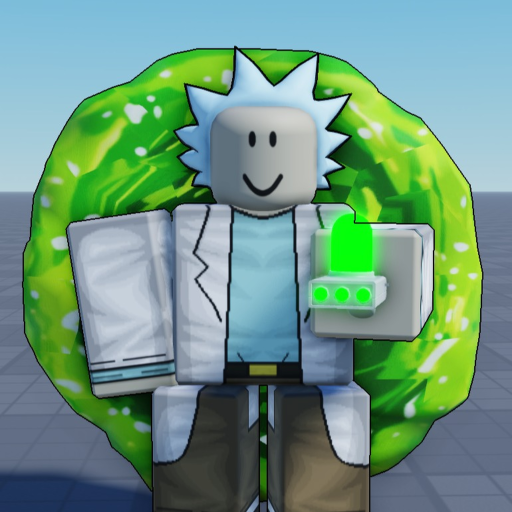
Portal Sandbox How to Play: Choose Your Sandbox Goal
How to Play
- Choose an activity: Portal Sandbox combines portals, freeroam and PvP. Start with exploring or one combat skill.
- Use a small toolkit: T is Portal Gun, Q is Knife, X is Laser Pistol and E is Regenerate; F is the Blender choice before portal entry.
To play Portal Sandbox, choose a goal you can actually work on during the session: get comfortable with portal travel, practise a weapon, or learn to reach for regeneration deliberately. The Rick and Morty inspired setting gives you a sandbox rather than a reason to rush every available action at once.
Make freeroam a deliberate choice
Start with travel if the world and portal theme brought you here. Use T for the Portal Gun and give yourself time to recognize the tool before adding another action. Exploration works well as a first goal because it lets you learn the interface without also trying to win a crowded fight.
You can decide what a good session means before you begin. It might be remembering the travel input, keeping the Portal Gun distinct from the Laser Pistol, or applying the Blender order correctly. Those are learning goals, not required quests or promised rewards. The beginner route puts the five actions into a manageable order if you want a starting routine.
Treat PvP as a separate practice goal
For combat, choose Q for Knife or X for Laser Pistol. The Knife’s listed action is a swipe that cuts off limbs. Work on one weapon at a time so you know which action you are trying to improve. Swapping tools after every confusing moment can hide the actual mistake.
Keep E for Regenerate in mind before the encounter starts. It is another action in the toolkit, not a reason to assume an attack will be harmless. A useful combat goal is to select the intended weapon and make a deliberate recovery choice afterward. The PvP guide adds encounter priorities, while the individual weapon pages keep their own inputs and practice questions together.
Keep Blender travel distinct
Blender Dimension uses F before entering a portal. Decide on that action while you are still outside. This is different from merely selecting the Portal Gun with T, so learning the travel tool does not automatically mean you have learned the Blender entry order.
If your session is about exploring, leave combat practice for another moment rather than combining both while learning this sequence. If your session is about combat, you can postpone Blender until you are comfortable selecting the weapon and recovery action you actually need. Choosing fewer tasks is an editorial practice suggestion; it is not an unlock order imposed by the game.
Judge the session before spending
Play enough of the basic activities to know what you enjoy before deciding that a paid option belongs in your plan. A purchase should serve an activity you already want to repeat. It should not be your first response to confusing two controls or entering a portal in the wrong order.
After a session, choose one clear continuation: learn the Portal Gun, practise the Knife, give the Laser Pistol its own attempt, or improve your recovery input. The toolkit comparison helps prioritize those choices. Portal Sandbox is described as a beta, so keep a repeated malfunction separate from a personal practice goal. A useful next session starts with one correction you can apply, rather than a promise to master every system at once.